AI kept turning me into a stranger, so I measured it
AI kept making my face longer and my skin pinker. I measured it, found a free way to keep a picture of me still me, and put it on GitHub for you to use.
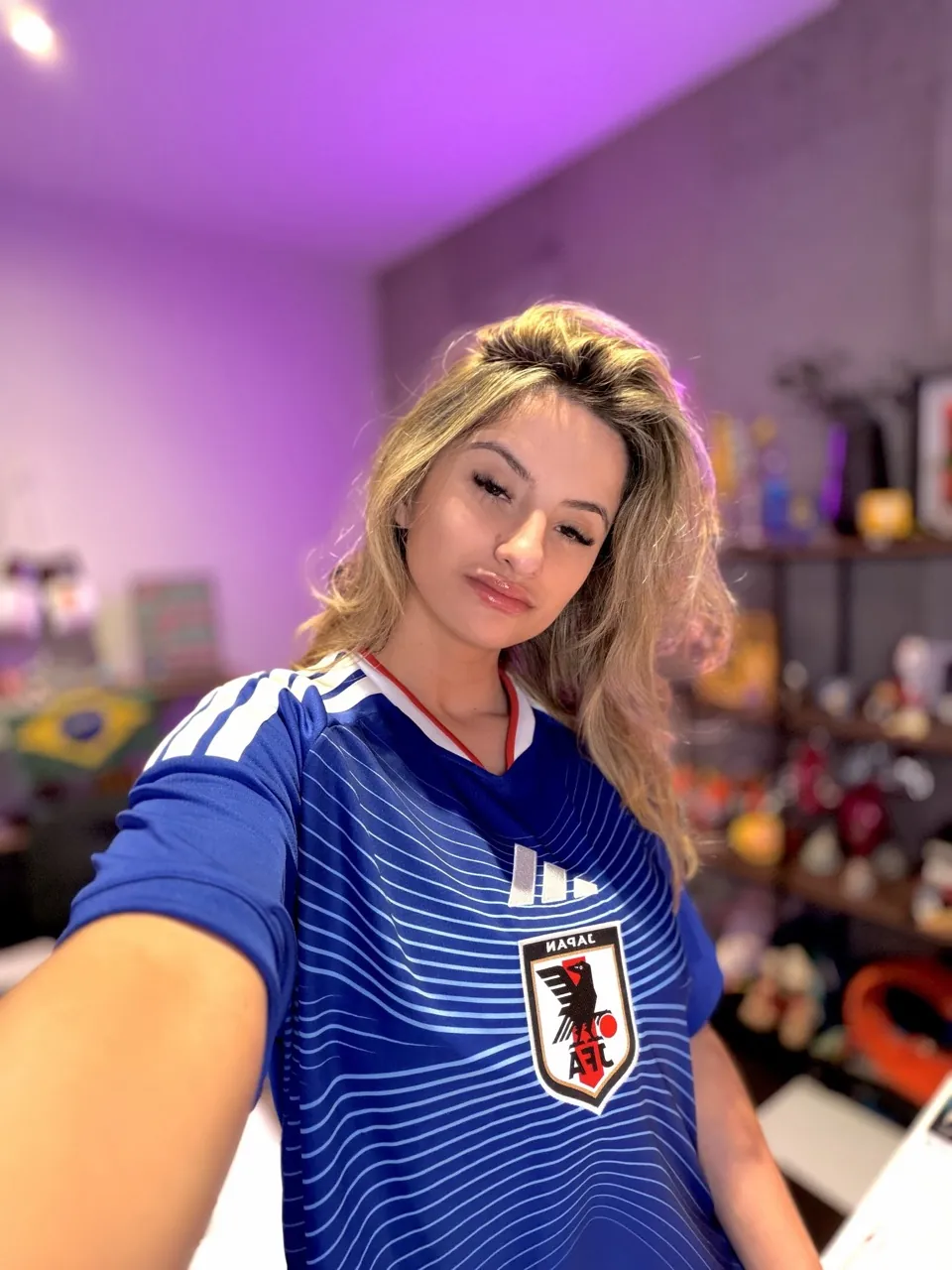
I make a picture of myself almost every day, for my market post on X.
Most of us do it the same way. One photo of ourselves, and a line asking the AI to keep our face the same.
The pictures come back looking good. And they are not quite us.
:quality(80))
In short
AI image tools quietly change your face. In my test a plain prompt made it 6% too long, the nose slimmer and the skin orange.
You can measure it: mark the pupils, the mouth and the chin in the photo and in the picture, and compare.
A free skill, Still You, keeps the face yours: one photo cut by code, a locked prompt, a canvas, and a check at the end.
What was different
Let's look at it the way I should have from the start.
The face a bit longer.
The nose a bit slimmer.
The skin smoother, and warmer, almost orange.
My hair more honey than it is.
None of it big. All of it quietly improving me. That is the problem, because the picture stops being me and nobody notices, until you put the two side by side at full size.
We trust our eyes on a phone screen. In my opinion that is exactly where the AI wins.
So I stopped looking and started measuring
Before posting the next one, I decided to measure it.
I asked Claude to zoom into my face in the photo and in the picture, and to mark four points on each: the middle of each pupil, the middle of the mouth, the bottom of the chin.
Then compare how far the mouth and the chin sit from the eyes, in both.
If the face is the same, the numbers match.
If the AI stretched it, they don't.
I set my own line, under 5% is fine. 3 to 5% of difference I can live with, it is still me.
One photo, three tries
I used one photo of mine, seated, black knit top, my head turned to the camera. Then three ways to make the same picture: me in front of a warm wall with a big round glow.
First try. What most of us write. Put me in front of the wall, keep me looking like the photo.
The face came out 6% too long from the eyes to the chin. My jaw was narrower, my nose slimmer, my lips redder, my skin orange. The skin check flagged it.
Second try. I wrote the full lock, what to keep feature by feature: my roots, my skin, my nose, my lips, my clothes.
The numbers were good, 2% on both. At a glance it was me.
Next to my photo, the jaw and the nose were still a little slimmer, and the skin pinker.
Third try. We stopped asking the AI to place me.
Claude put my photo on a plain canvas, and the AI only had to change the wall behind me.
2.5% and 0.3%.
My cheeks, my jaw and my nose stayed. My skin is still a little pinker and smoother than in the photo, and the pendant of my necklace came out as an oval.
That is the one I kept.
:quality(80))
Why the third one looked the most like me
The numbers for the second and the third are almost the same. What the third one kept was the cheeks and the jaw, and that only shows when you put the faces side by side.
My guess is this. When the AI has to move me and resize me, it rebuilds my face. When it rebuilds a face, it drifts to what it has seen the most, longer, narrower, smoother.
When I was already where I wanted to be, it had almost nothing left to decide about me. It still made me a bit smaller than I was on the canvas. My proportions stayed.
You might think, who cares about 6%, it still looks like me.
Fair. Put the first one next to the photo and look at the jaw and the skin.
What it checks, and where to get it
Let's walk through it, so you can use it too.
One real photo, never several.
Cut by code, never by the AI.
A locked prompt, the face and the skin and the roots first, the scene after.
The canvas, when my head is turned or I am sitting.
And a check at the end: the face, the skin tone, the hands, every word.
The numbers can tell you a picture is wrong. They can't tell you it is right, so you still look. Reading the four points carries about 3% of error, that is why.
:quality(80))
I built it for my own pictures. If you make pictures of yourself for your brand, I think this is your problem too.
It is free, and it is on GitHub. I wrote a tutorial that walks you through it step by step.
The skill on GitHub: Still You
The step by step tutorial: Still You on cryptojana.ai
Next time you make a picture of yourself, mark the pupils, the mouth and the chin before you post it.
Keep reading
References
Still You, the skill, the scripts and the prompts (GitHub): github.com/janacryptoqueen/still-you.
The three tries with their numbers, in the repository's canvas method notes: read the notes.
The pictures, prompts and landmarks behind the numbers, so you can run the check yourself: examples/seated-portrait.
Step by step tutorial: Still You on cryptojana.ai.
Agent Skills specification, the open format the skill follows: agentskills.io.
:quality(80))
:quality(80))
:quality(80))